Agent activity
Checking for WebMCP support
Requests are only sent after you confirm them. How this works
Industry
Video analytics for workplace utilisation and building security
In short
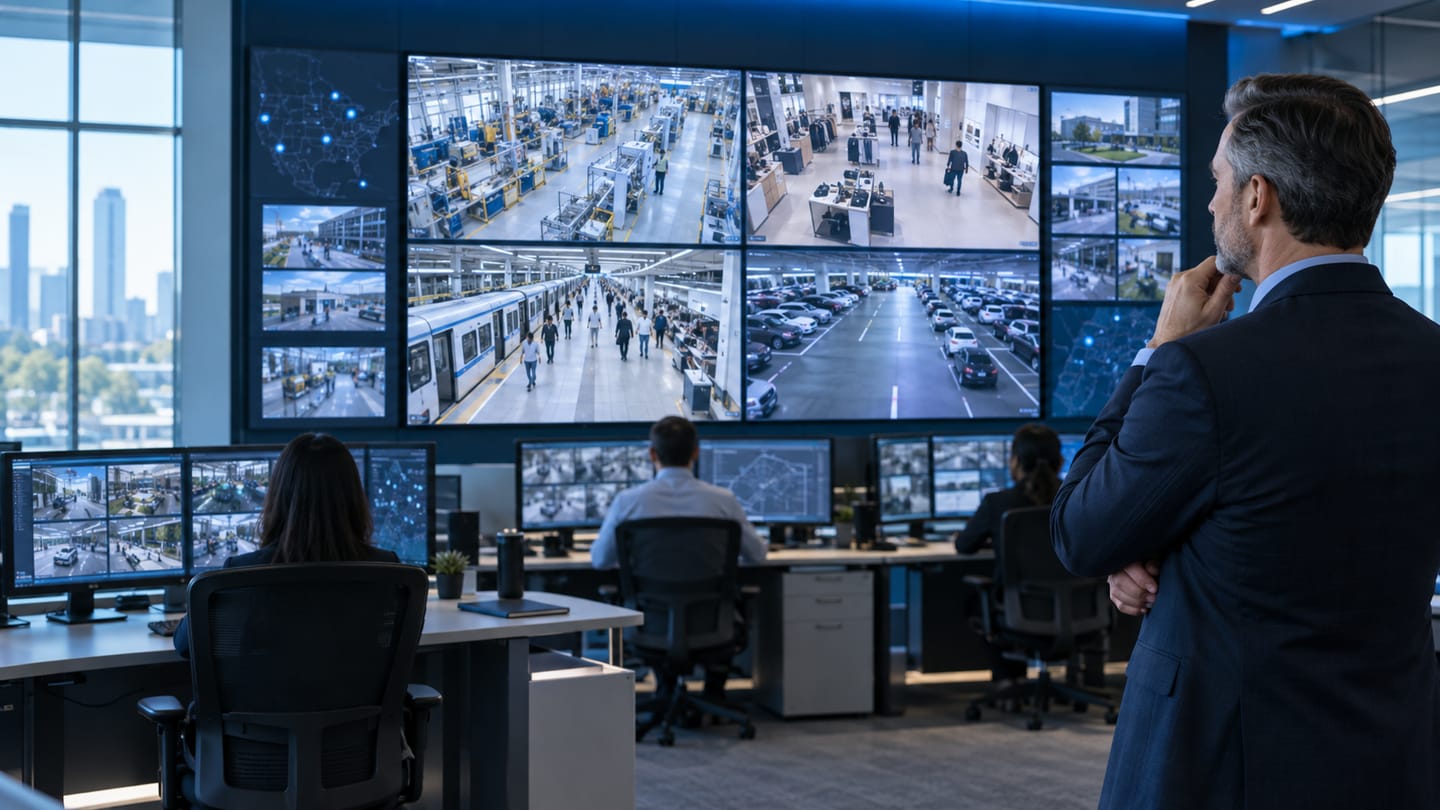
Corporate building video analytics measures entrance volumes, floor and meeting-room utilisation, and out-of-hours access events across a property estate. In hybrid-working portfolios, measured utilisation is usually what settles space and lease decisions that would otherwise be argued from badge data, booking records and assumption about how buildings are used.
The problem
What corporate buildings teams are dealing with
- Hybrid working changed demand patterns and every space decision is now argued from opinion.
- Meeting rooms are booked and unused, and the booking system cannot tell the difference.
- Badge data covers badge-controlled doors and badge-holders, missing visitors and tailgating entirely.
- Cleaning and HVAC run to fixed schedules regardless of whether a floor was used.
- Lease decisions worth millions rest on utilisation figures nobody has actually measured.
Recommended
Analytics that address these problems
Only capabilities Ayonix publishes appear here. Each links to its full scope, camera requirements and limitations.
- Solution-design configuration
Entrance and exit analytics
Entrance and exit analytics reports directional volumes at each doorway of a building or site. Ayonix people counting already counts entry and exit …
Read the detail → - Solution-design configuration
Occupancy analytics
Occupancy analytics reports how intensively a space is used over time, derived from directional counting at its entrances. Where occupancy monitorin…
Read the detail → - Published capability
People counting
Ayonix people counting counts movement across a virtual line on an existing camera view and compares directional flow through the day. It produces e…
Read the detail → - Solution-design configuration
Occupancy monitoring
Occupancy monitoring maintains a running count of people inside a defined space by combining directional entry and exit counts at every doorway. Thr…
Read the detail → - Published capability
Restricted area monitoring
Restricted area monitoring raises an event when a person or vehicle is present inside a zone that should be empty or access-controlled at that time.…
Read the detail → - Solution-design configuration
Line crossing detection
Line crossing detection raises an event when a tracked object crosses a virtual line drawn on the camera view in a configured direction. Ayonix peop…
Read the detail →
Camera placement
Where cameras need to be, and why
Camera position decides more of the outcome than any software setting. These are the placements that matter in this sector.
| Location | Purpose | What matters |
|---|---|---|
| Building entrances and lobbies | Directional counting | Every bounding door must be counted for a building figure to hold, including fire exits and staff routes. |
| Floor access points | Floor occupancy derivation | Lift lobbies and stair doors together bound most floors. |
| Meeting room doorways | Room utilisation | Doorway counting rather than in-room monitoring is both less intrusive and easier to approve. |
| Goods and service entrances | Exclusion from headline counts | Counting them separately keeps the occupancy-relevant figure clean. |
| Plant and comms rooms | Out-of-permit access | Schedule-aware rules aligned to maintenance windows. |
Workflow
From event to acknowledged action
Event workflow
- 1 Entrance, lobby and doorway cameras are ingested and monitored.
- 2 Directional counts are produced at every bounding door.
- 3 Occupancy is derived per space and re-baselined at scheduled known-empty times.
- 4 Utilisation is sampled and aggregated into weekly and monthly series.
- 5 Out-of-hours access rules raise security events with evidence.
- 6 Series publish to property and facilities dashboards.
Operator workflow
- 1 Facilities reviews floor utilisation against design capacity in the weekly report.
- 2 Cleaning is scheduled against measured usage rather than a fixed round.
- 3 Property uses the utilisation series as evidence in a lease or fit-out review.
- 4 Security receives an out-of-hours plant room access event with a clip.
- 5 Booked-versus-occupied comparison drives meeting room policy changes.
Operations
Dashboards, integration and deployment
Dashboard metrics
- Entries and exits per door and building total
- Floor utilisation against design capacity
- Meeting room booked-versus-occupied comparison
- Peak occupancy by day of week
- Out-of-hours access events
- Boundary coverage completeness per space
Integration options
- REST and webhook delivery into property, booking and facilities platforms
- Booking-system join for booked-versus-occupied reporting
- VMS alarm delivery for out-of-hours security events
- ONVIF and RTSP ingestion from the building camera estate
Deployment options
- Edge processing per building so only aggregate series traverse the corporate network
- On-premise processing where a building aggregates cameras locally
- Multi-site management across a property portfolio
- Hybrid deployment for portfolio benchmarking on aggregate series only
Evidence
Deployment pattern
Workplace utilisation pattern
Complete doorway counting per space, derived floor and room occupancy with scheduled resets, and out-of-hours access rules on plant areas.
Utilisation is measured on your own buildings with documented boundary completeness. No benchmarks from other estates are published.
This is an anonymised pattern describing how a deployment of this kind is structured. It is not a named customer reference. No customer names, logos, testimonials or measured results are published on this site, because none have been supplied for publication. More on how evidence is handled .
Governance
Privacy and governance in this sector
- All outputs are aggregate space measures. They must not be used to monitor individual employees, and policy should prohibit that explicitly.
- Employee consultation is commonly required before workplace measurement begins and is usually straightforward when the purpose is space planning.
- Doorway counting rather than in-room monitoring is both less intrusive and considerably easier to approve.
- Aggregate utilisation series can be retained long term without retaining imagery.
- Where meeting-room utilisation is measured, the booking system join should not attach individual names to occupancy data.
Frequently asked questions
Can this tell us whether individuals are at their desks?
No, and it must not be used that way. The output is an aggregate space measure with no identity attached. Using workplace analytics for individual monitoring creates significant legal and employee-relations exposure and falls outside the purpose the measurement is approved for.
How does this compare with badge data?
Badge data is authoritative for access and badge-holders but misses visitors, contractors, tailgating and internal movement. Camera counting is more complete for movement and occupancy. Most estates find they answer different questions rather than competing.
Is it better than desk sensors?
It answers a different question at a different granularity. Doorway-derived occupancy covers whole spaces with far fewer devices using cameras that often already exist; desk sensors measure specific positions. Many estates use both.
Other industries
- Author
- Gabriel Bamola, Chief Marketing Officer, Ayonix
- Technical review
- Dr Sadi Vural, Founder and Chief Executive Officer, Ayonix
- Published
- Last reviewed
Design a corporate buildings pilot around your own cameras
Start with a camera readiness review and a log-only baseline, then measure against acceptance criteria we agree before the pilot begins. That is what turns an analytics evaluation into a decision.