Agent activity
Checking for WebMCP support
Requests are only sent after you confirm them. How this works
security analytics
Occupancy monitoring with thresholds that warn before a limit is reached
In short
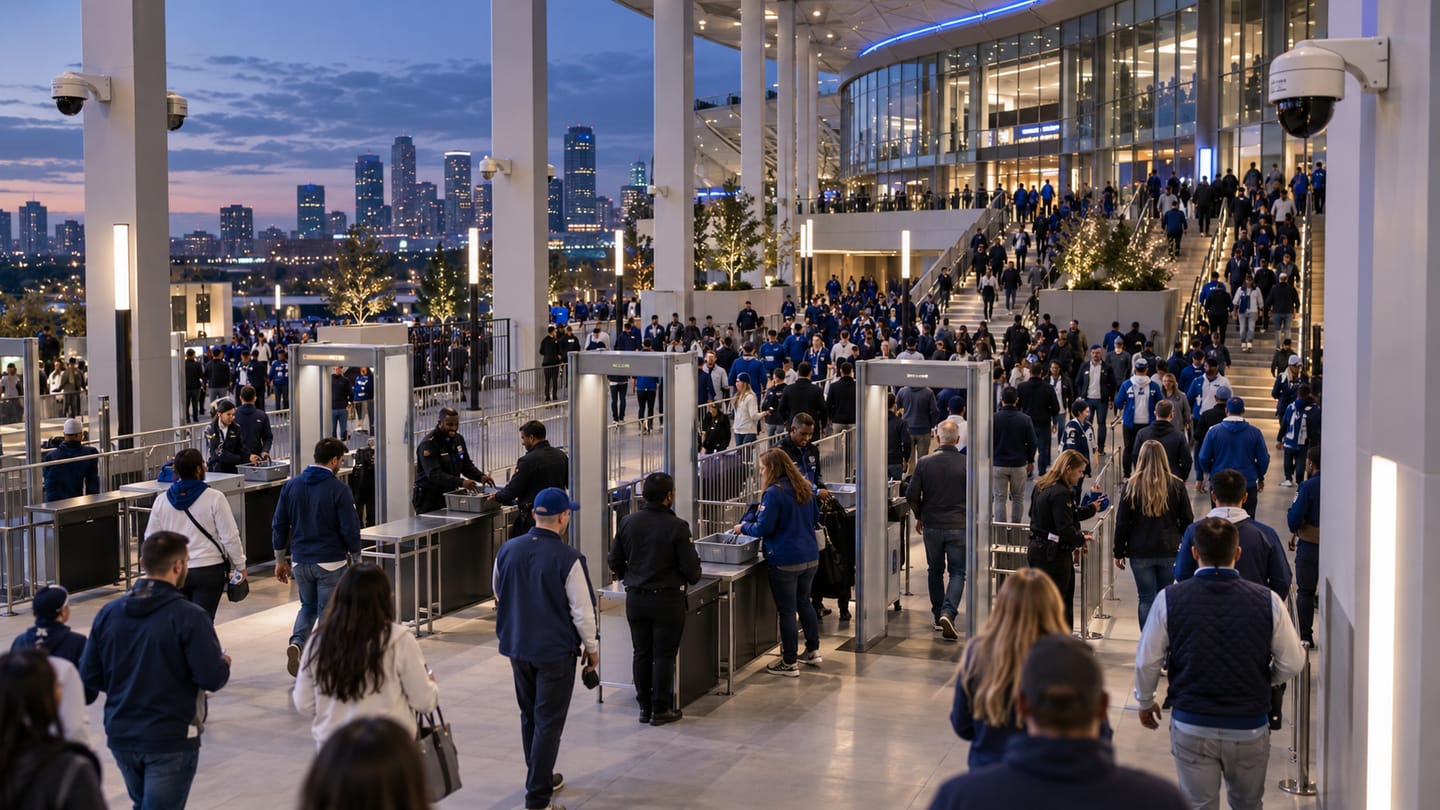
Occupancy monitoring maintains a running count of people inside a defined space by combining directional entry and exit counts at every doorway. Thresholds raise a warning as a space approaches its limit and an alert when it is exceeded, so a supervisor can act before conditions become unsafe or uncomfortable.
Scope
What this analytic does, and what it does not
What it detects
- Entries and exits at each monitored doorway
- A derived running occupancy figure for the space
- Threshold crossings against warning and limit values
- Rate of change, so a rapid fill can be distinguished from a slow one
What it does not guarantee
- An exact head count — occupancy is derived from counting and accumulates error over time
- Correct totals when an unmonitored door is used
- Any life-safety or evacuation function
- Compliance with an occupancy regulation on its own
The problem
What customers are actually dealing with
These are the situations that lead teams to look at this analytic in the first place.
- A venue only discovers a space is over capacity when it already feels dangerous.
- Manual clicker counts at the door are inconsistent between staff and stop during the busiest moments.
- Occupancy figures drift through the day and nobody knows whether the number on the dashboard is trustworthy.
- Different rooms have different limits and there is no single view showing which are close to them.
How it works
Detection workflow
Every event carries the rule that produced it, so an operator can see why they were alerted.
- 1
Count at doorways
Directional crossing counts are produced at every entrance and exit to the space.
- 2
Aggregate
Entries and exits from all doorways are combined into a single running occupancy figure.
- 3
Evaluate thresholds
The running figure is tested against configured warning and limit values.
- 4
Stabilise
A short confirmation window prevents a brief threshold touch from raising an alert.
- 5
Deliver and reset
Alerts route to a supervisor, and scheduled resets re-baseline the count at known-empty times.
Configuration options
- The set of doorways that bound the space, each with its own counting line
- Warning and limit thresholds per space
- Scheduled reset times when the space is known to be empty
- Confirmation window before a threshold alert is raised
- Whether staff-only doors are excluded from the occupancy calculation
- Alert routing per space and per time of day
Alert quality
How irrelevant and duplicate alerts are reduced
No video analytic eliminates false alerts. These are the mechanisms that reduce them, and the residual rate is measured on your own cameras.
- Scheduled resets at known-empty times are the single most important control on drift.
- A confirmation window prevents one person stepping in and out of a doorway from toggling an alert.
- Counting every bounding doorway is essential — an unmonitored door is the main cause of an untrustworthy figure.
- Rate-of-change smoothing separates a genuine rapid fill from counting noise.
- Occupancy remains a derived figure with accumulating error; the pilot measures drift over a realistic operating day.
Prerequisites
Camera requirements and environmental limits
Camera suitability decides more of the outcome than any software setting. These are assessed per camera before commitment.
Camera requirements
- Every doorway bounding the space needs a camera view suitable for directional counting
- An overhead or steeply angled view at the doorway is strongly preferred to reduce occlusion between people
- Frame rate of 12–15 fps or higher at the doorway to capture fast entries
- Consistent lighting at the threshold, including during evening operation
- A view wide enough to see the full door width so nobody passes outside the counted line
Environmental limitations
- Any unmonitored route into or out of the space invalidates the figure.
- Groups entering abreast through a wide doorway are the main source of counting error.
- Error accumulates through the day, which is why scheduled resets matter.
- Prams, trolleys and carried children affect counting behaviour and should be considered in the acceptance test.
Delivery
Alerts, evidence and where they land
Event and evidence fields
- Space name and configured limit
- Current occupancy at trigger
- Threshold crossed (warning or limit)
- Contributing doorway counts
- Timestamp with timezone
- Time since last reset
- Event identifier
VMS integration
Threshold alerts can be delivered as VMS events so an operator can view the doorway cameras immediately. The continuous occupancy series is usually more useful on an operational dashboard than inside the VMS.
See compatibility states →Deployment options
- Edge processing per building where doorway cameras are local
- On-premise aggregation where a site has many bounded spaces
- Hybrid deployment where per-space counts are aggregated into an estate dashboard
Measurement
Dashboard metrics and pilot acceptance criteria
Acceptance thresholds are agreed with you before the pilot starts. This site publishes no benchmark figures, because they do not transfer between sites.
Dashboard metrics
- Current occupancy per space against its limit
- Peak occupancy per space per day
- Time spent above the warning threshold
- Measured drift between scheduled resets
- Entry and exit totals per doorway
- Doorway camera availability
Measurable pilot criteria
- Counting error per doorway measured against a manual count over defined busy and quiet periods
- Occupancy drift measured between two known-empty resets across a full operating day
- Threshold alert latency from the true crossing moment
- Behaviour with a scripted group entry through a wide doorway
- Completeness check that every bounding door is actually counted
Governance
Privacy and governance
- Occupancy is an aggregate figure. No identity, face template or personal record is created.
- Counting output can be retained as numbers only, with no imagery, where the use case allows.
- Where occupancy data is used for staff areas, employee monitoring obligations may apply.
Frequently asked questions
How accurate is the occupancy figure?
It is a derived figure, not a head count. Accuracy depends on doorway camera views, how people enter (singly or abreast) and how often the count is reset. The pilot measures drift on your own doorways across a realistic operating day rather than quoting a general figure.
What happens if someone uses an unmonitored door?
The figure becomes wrong and stays wrong until the next reset. Identifying every bounding doorway during design is the most important step, and scheduled resets at known-empty times limit how long an error persists.
Can we use this for regulatory capacity compliance?
It can support an occupancy process, but it is a derived measurement and should not be presented as a compliance instrument on its own. Treat it as an operational early warning that prompts a human decision.
Keep reading
Related solutions and industries
Related solutions
-
People counting
Count directional footfall across a virtual line using existing cameras, compare peak periods an…
-
Entrance and exit analytics
Report directional entry and exit volumes per doorway, compare peak periods and identify which e…
-
Occupancy analytics
Report how intensively rooms, floors and zones are used over time, so space, cleaning and energy…
-
Crowd density monitoring
Estimate how densely people are packed in defined areas of a concourse or platform and warn cont…
Where it is used
-
Stadiums and events
Video analytics for stadium gates, concourses and event spaces
-
Shopping malls
Video analytics for shopping centre leasing and operations
-
Corporate buildings
Video analytics for workplace utilisation and building security
-
Education
Video analytics for education estates and campus security
- Author
- Gabriel Bamola, Chief Marketing Officer, Ayonix
- Technical review
- Dr Sadi Vural, Founder and Chief Executive Officer, Ayonix
- Published
- Last reviewed
Evaluate occupancy monitoring on your own cameras
A controlled pilot establishes what this analytic actually does in your environment, against acceptance criteria we agree before it starts. Send a sample video first if you would rather see an assessment before committing to a pilot.